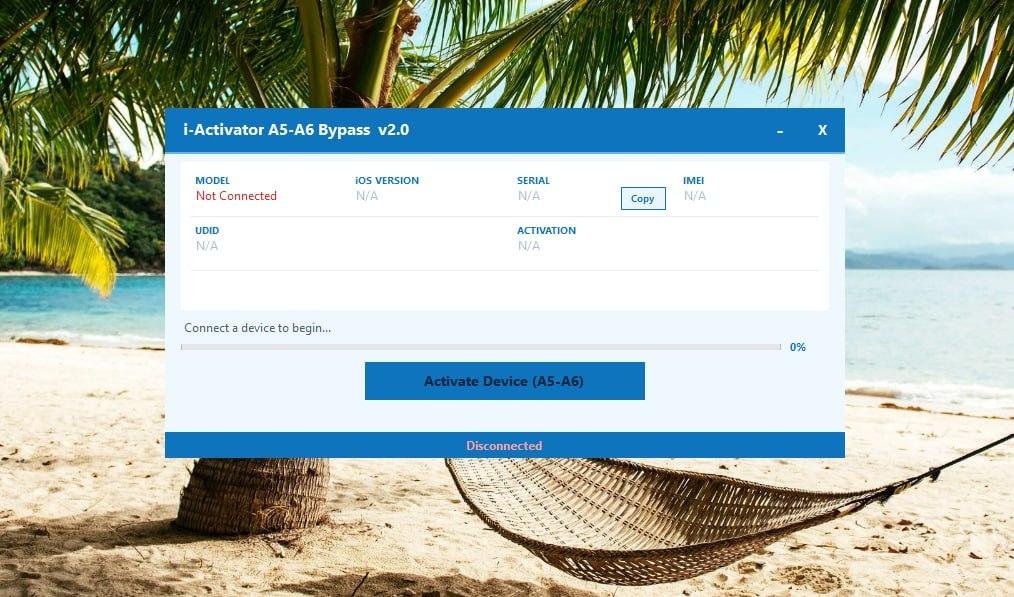
![FRPFILE A5-A6 Activator No Need Ardunio [Auto Api]✅](/media/frpfile-a5-a6-activator-no-need-ardunio.jpg)
FRPFILE A5-A6 Activator No Need Ardunio [Auto Api]✅
Price
Login to show
Delivery
Instant
Status
Online
You must agree before submitting.
Service Guarantee
Full Activation — No Arduino Required
Platform Supported: Windows
Supported Devices (A5 & A6)
Compatible Apple devices include:
- iPhone 4
- iPhone 4S
- iPhone 5
- iPhone 5c
- iPad 2
- iPad 3
- iPad 4
- iPad mini 1
- iPod touch 5
Main Features
- Full Activation via Wi-Fi
- No Arduino or Hardware Tool Required
- Fast & Simple Process
- Stable and Reliable Service
- Beginner-Friendly Interface
- Supports Multiple A5/A6 Devices
Requirements Before Activation
Before starting the bypass/activation process, make sure:
- The device has been restored
- The device is connected to a working Wi-Fi network
- The device stays connected to Wi-Fi during the entire activation process
- A Windows computer is used to run the tool
Wi-Fi connection on the target device is required for successful activation.
How to Activate Your Device
Follow these simple steps:
- Restore your device using iTunes or Finder
- Complete the setup until Wi-Fi screen appears
- Connect the device to a Wi-Fi network
- Open FRPFILE A5-A6 Activator
- Click “Activate Device”
- Wait a few seconds
- Device Activated Successfully


![iEZPro A5 Bypass No Need Arduino [Win Tool]](/media/iezpro-a5-bypass-tool-no-need-arduino.jpg)